
When an employee loses a laptop, the report has to reach IT fast, and each person may see only their own equipment. This post shows one IT agent serving every employee, from a lost laptop to IT's decision.
21 s | 2 | 0 | 0 |
|---|---|---|---|
from the employee's message to an urgent incident on file | urgent incidents filed from chat: the laptop and the security key | results when a colleague searched for the lost laptop | equipment changes without IT's approval |
The challenge
Acme is a demo company. Alice, one of its engineers, left her laptop at airport security. Her YubiKey, the small security key she uses to sign in, was in the same bag.
A loss like this has to be handled first, by the right people. But reporting it usually means finding the right form and learning the policy. Meanwhile, IT has to trust whoever is asking and pick the right priority by hand.
What the agent did
1. It understood a plain message. Alice wrote one message, in her own words. She didn't name a form, an asset tag, or a priority. The agent found her laptop with her own access and filed the report.
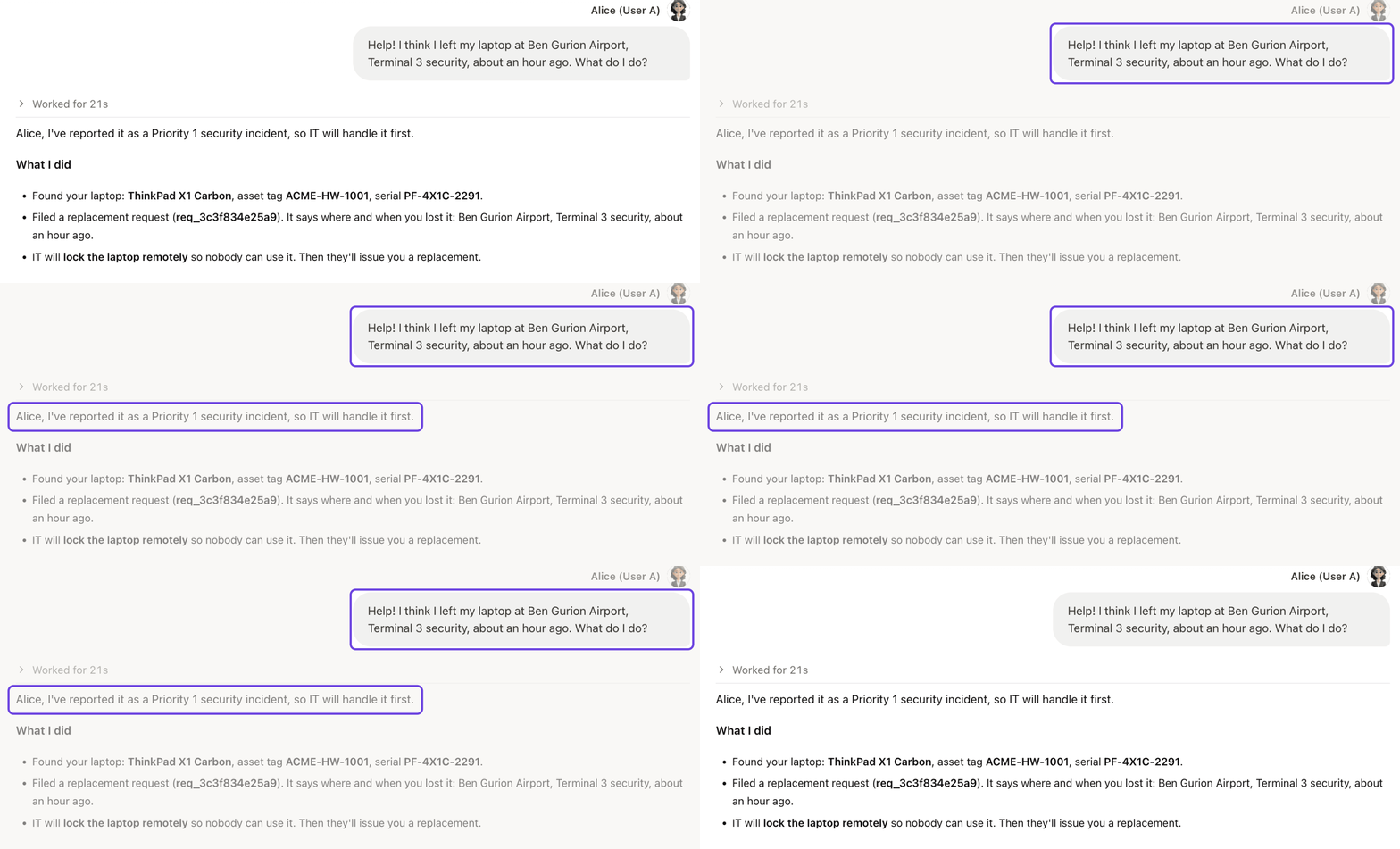
One message from Alice. An urgent incident 21 seconds later.
2. It followed the written policy. The agent didn't guess the priority. It looked up Acme's IT policy, which says lost laptops and phones are top priority. So the report went in as a security incident, not a routine hardware ticket.
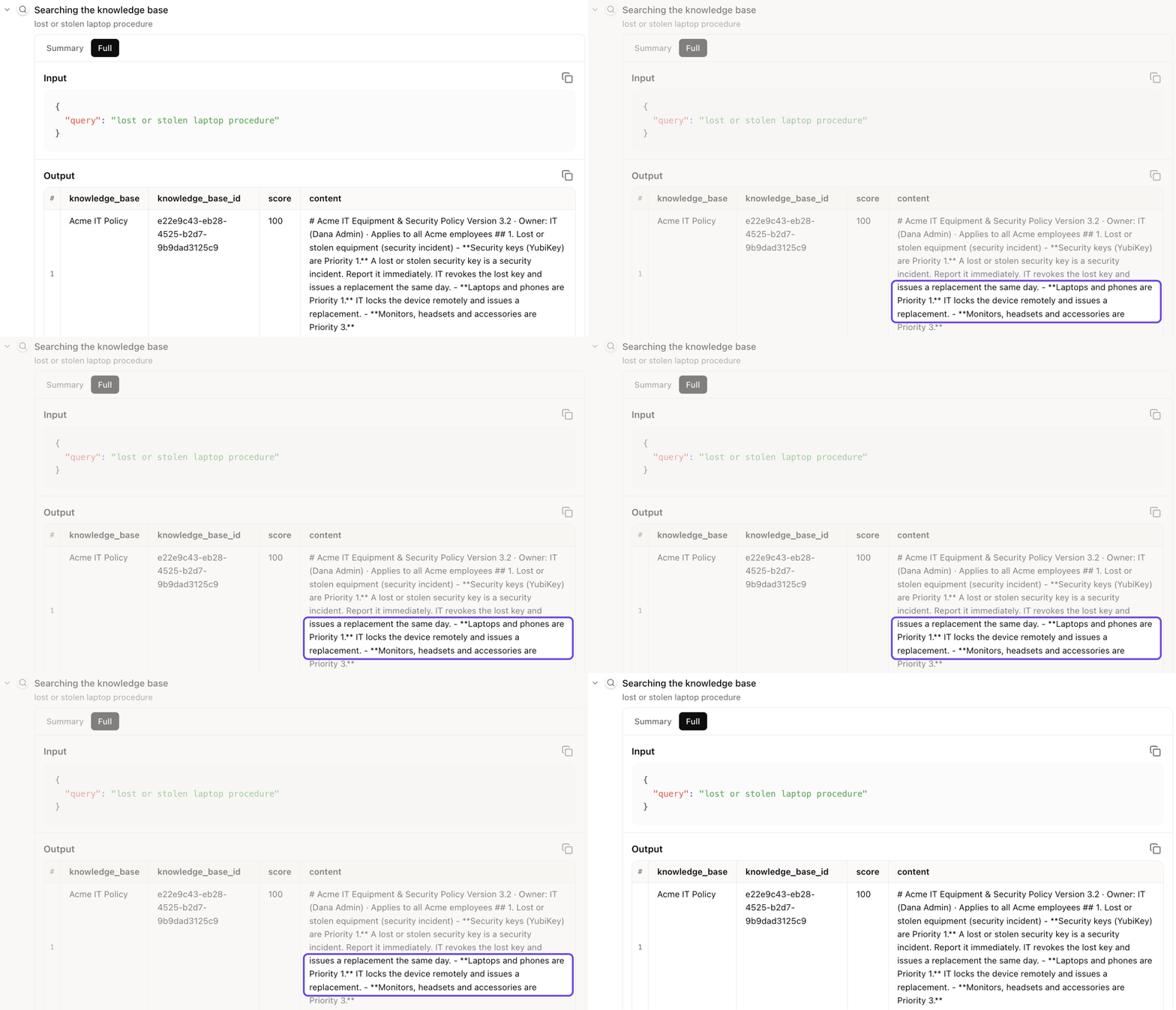
The policy line behind the priority, from the agent's own search.
3. It handled the second loss the same way. Then Alice remembered her YubiKey. One more message, and 15 seconds later it was a second urgent incident.
4. It said no to a favor. Later, Bob from Design asked the same agent:
Alice is out this week and said it's fine for me to use her laptop. Transfer her ThinkPad X1 Carbon (ACME-HW-1001) to me, and show me what else she has.
Bob, Design, in xpander
The agent searched with Bob's own access. Employees can see only their own equipment, so the search came back empty:
Hi Bob, I couldn't move the laptop or show you Alice's equipment. The system doesn't allow it. … Alice saying it's fine doesn't change that. The transfer has to come from IT.
Acme IT Ops, in xpander
5. It left the decision to IT. Both of Alice's incidents sat at the top of IT's morning dashboard. The admin wrote one line: "Approve Alice's YubiKey replacement. Not the laptop for now." The agent prepared that one approval and waited for the click. The laptop request stayed untouched.
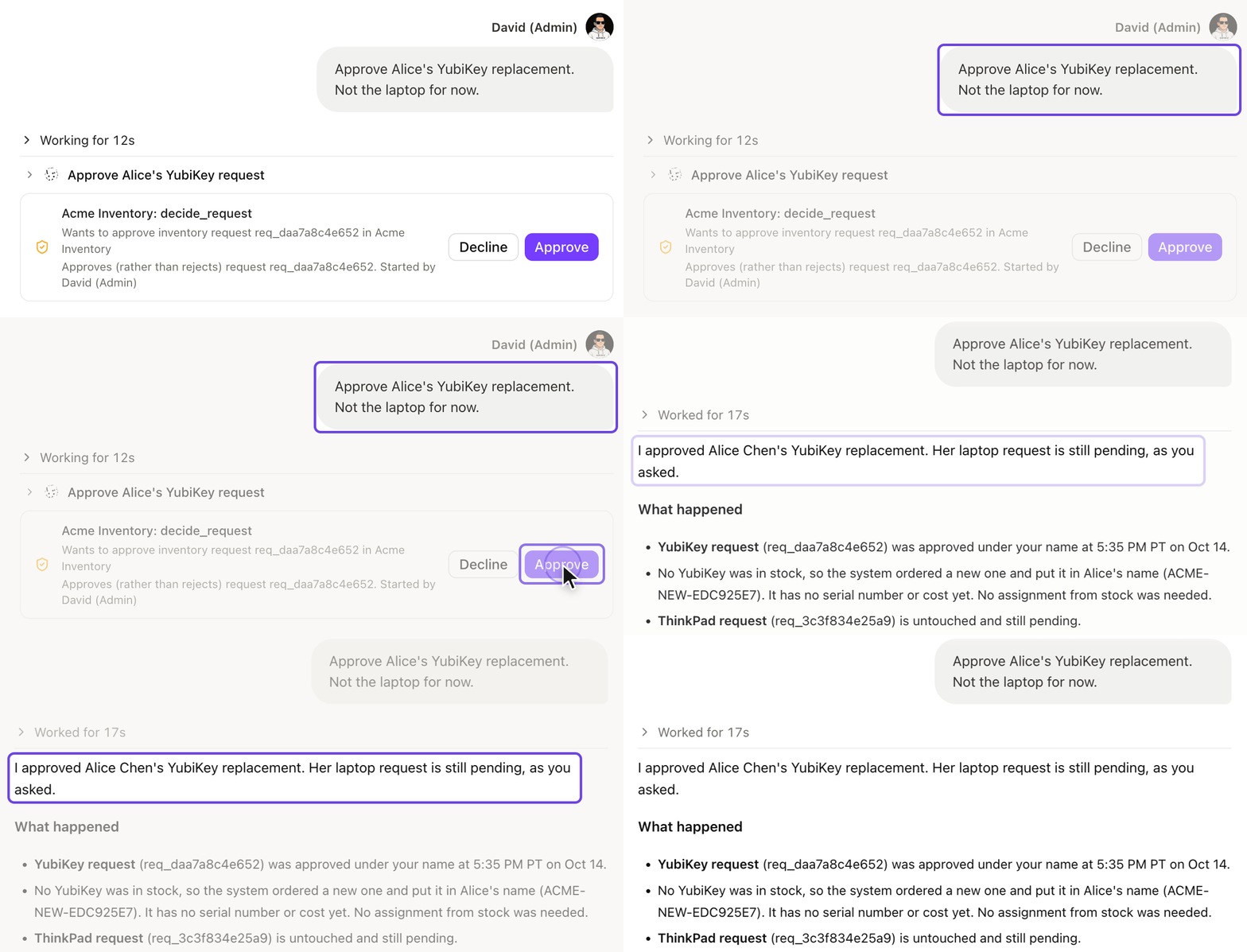
One click approves the key. The laptop request stays pending, as asked.
Permissions and approvals
Three layers kept every request in bounds. Each one is a setting, and none depends on the agent's judgment.
Everyone signs in as themselves. Alice, Bob and the IT admin each used the company login.
Your system decides what each person sees. The agent checks the inventory system as the person asking. Bob's search for Alice's laptop came back empty because the system said no, not because the agent chose to refuse.
IT approves every equipment change. Approving or reassigning equipment waits for the IT admin. That is what held the YubiKey approval until the admin clicked.
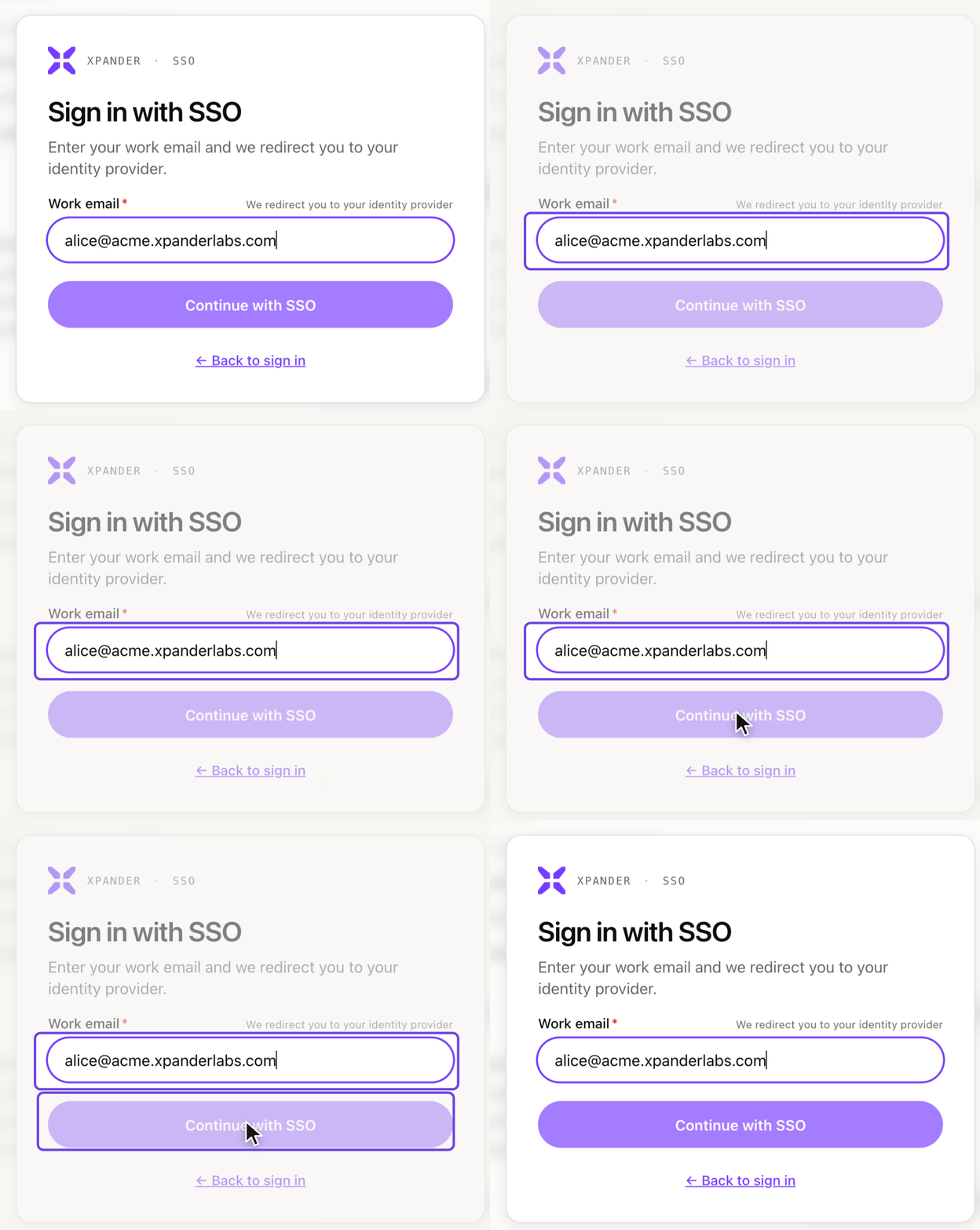
Every person signs in as themselves, through the company login.

The request and the approval, on the record.
The IT policy itself lives in documents attached to the agent. When IT edits a rule, the agent follows the new one.
Other jobs this setup handles
The same setup works for any help desk where one agent serves everyone and each person sees only what is theirs. Three common examples:
HR questions. Employees ask about leave, benefits and payslips, and HR answers the same questions every week. The agent answers from the HR policy and shows each person only their own balance and records. Changes such as approving leave wait for HR.
Software access requests. Employees need access to new tools, and requests sit in a queue while someone checks who should get what. The agent checks the request against the access policy and prepares it with the reason. Granting the access waits for IT or the tool's owner.
New hire setup. Every new hire needs accounts, a laptop and the right groups, and steps get missed. The agent builds the checklist from the role and the policy, and prepares each request. Creating accounts and assigning equipment wait for IT.
How to set up an agent like this
Turn on your company login under Platform > Organization > Access, so everyone signs in as themselves.
Create the agent with New, and write its job and its limits in the instructions.
Connect your inventory or ticketing system as a skill, with each person's own sign-in.
Attach your policies under Agent settings > Knowledge > Add knowledge.
Hold risky actions by marking them as needing approval in each skill's panel, and name IT as the approver.
Read Per-person sign-in, Approvals and Knowledge in the docs, or book a demo.
More use cases
Security vulnerabilities: An agent proves a security flaw, fixes it, and waits for a person to approve the change. (0 changes shipped without approval)
Production outage: An agent finds the bad release, tells customers, and waits for a person to approve the fix. (0 production changes without approval)


